


A good looking website that does not turn visitors into calls is a brochure. These are the pieces I build into service business sites to fix that, depending on what the business needs. Go through them and check your own site.
1. A call button that is always there
On phones, a tappable phone number at the top of every page, and often a call bar fixed to the bottom of the screen. Someone who has decided to call should never have to scroll to find the number.
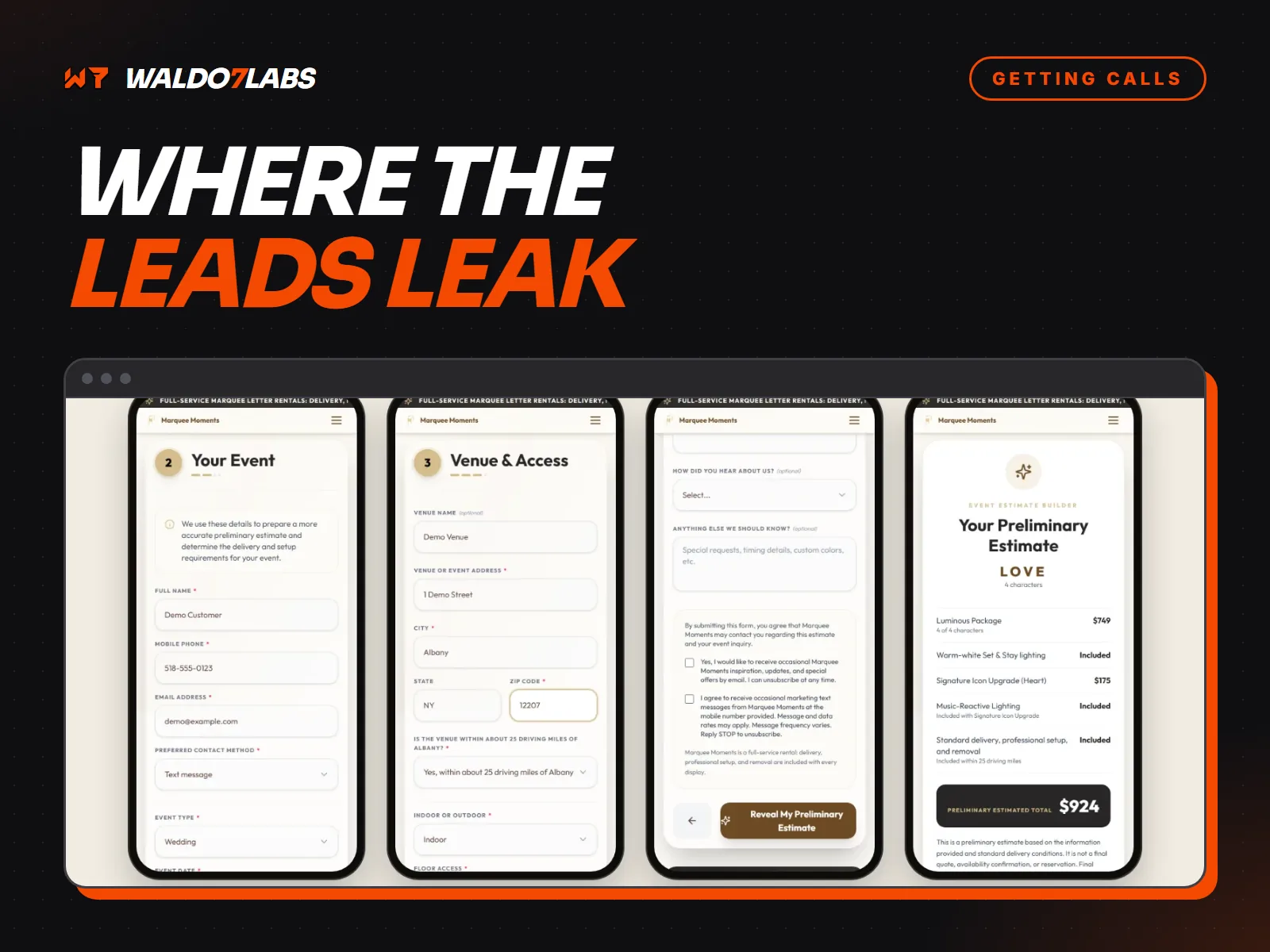
2. A short form
Name, phone, and what they need. Everything else can wait for the call. A short form gets filled in. A long one gets abandoned halfway. Where your website form is losing leads covers the common problems.
3. A text to your phone, right away
When someone sends the form, you get a text within seconds with their name, number and the job. You can call back from the notification between jobs, not at nine that night after checking email.
4. A confirmation to the customer
At the same moment, the customer gets an email saying you have their request and when to expect a call. That stops them wondering if it worked, and makes them less likely to keep shopping around.
5. Missed call text back
If a call comes in and you cannot pick up, an automatic text goes out saying you are on a job and asking what they need. The caller knows you are real and busy, and many will wait for you instead of dialing the next number. Why contractors lose jobs to faster competitors explains why this matters so much.
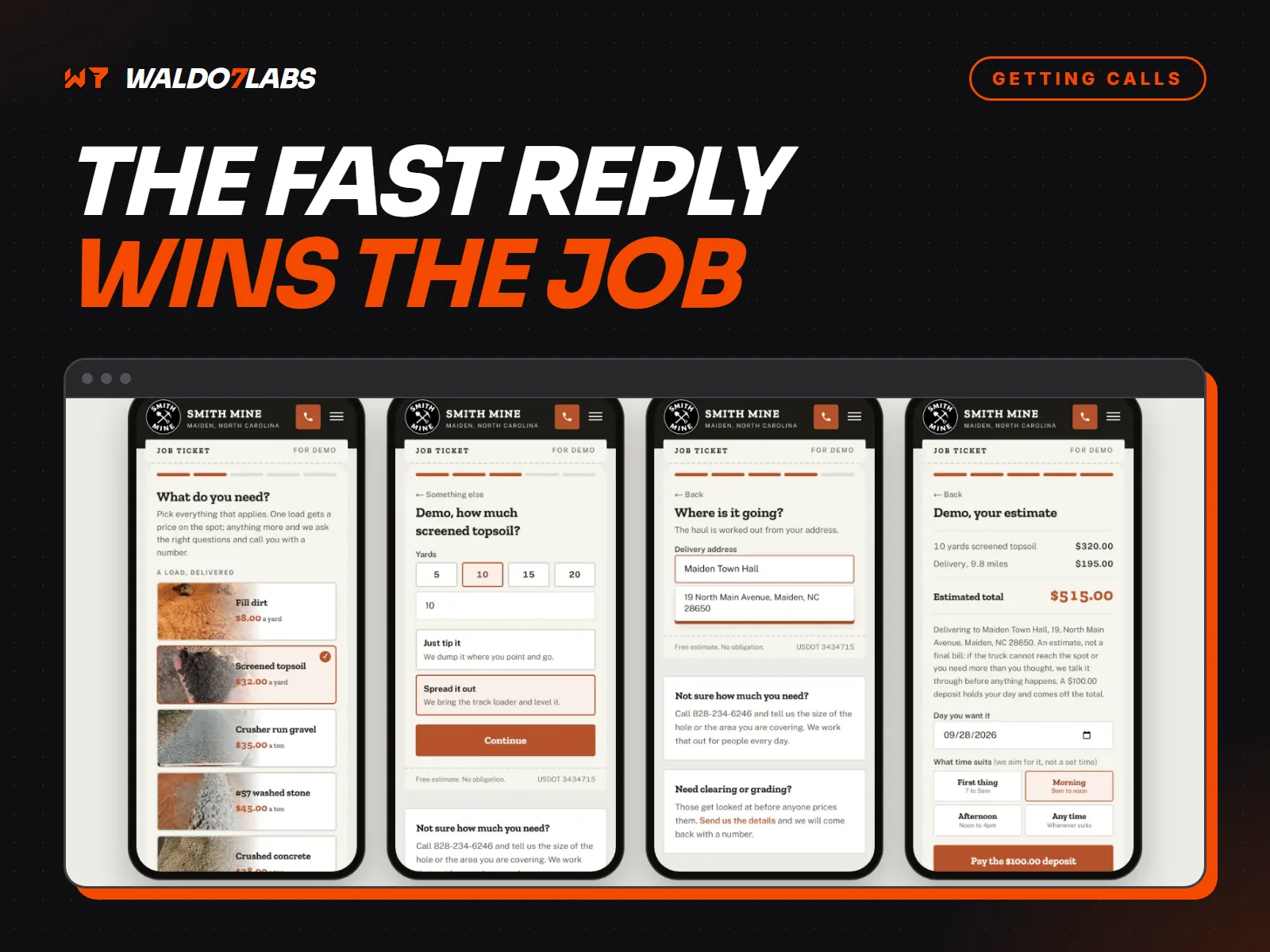
6. A way to book without calling
For jobs with a set length, like estimates, inspections and tune ups, a booking link lets customers pick a time. Some people will never call, but they will book.
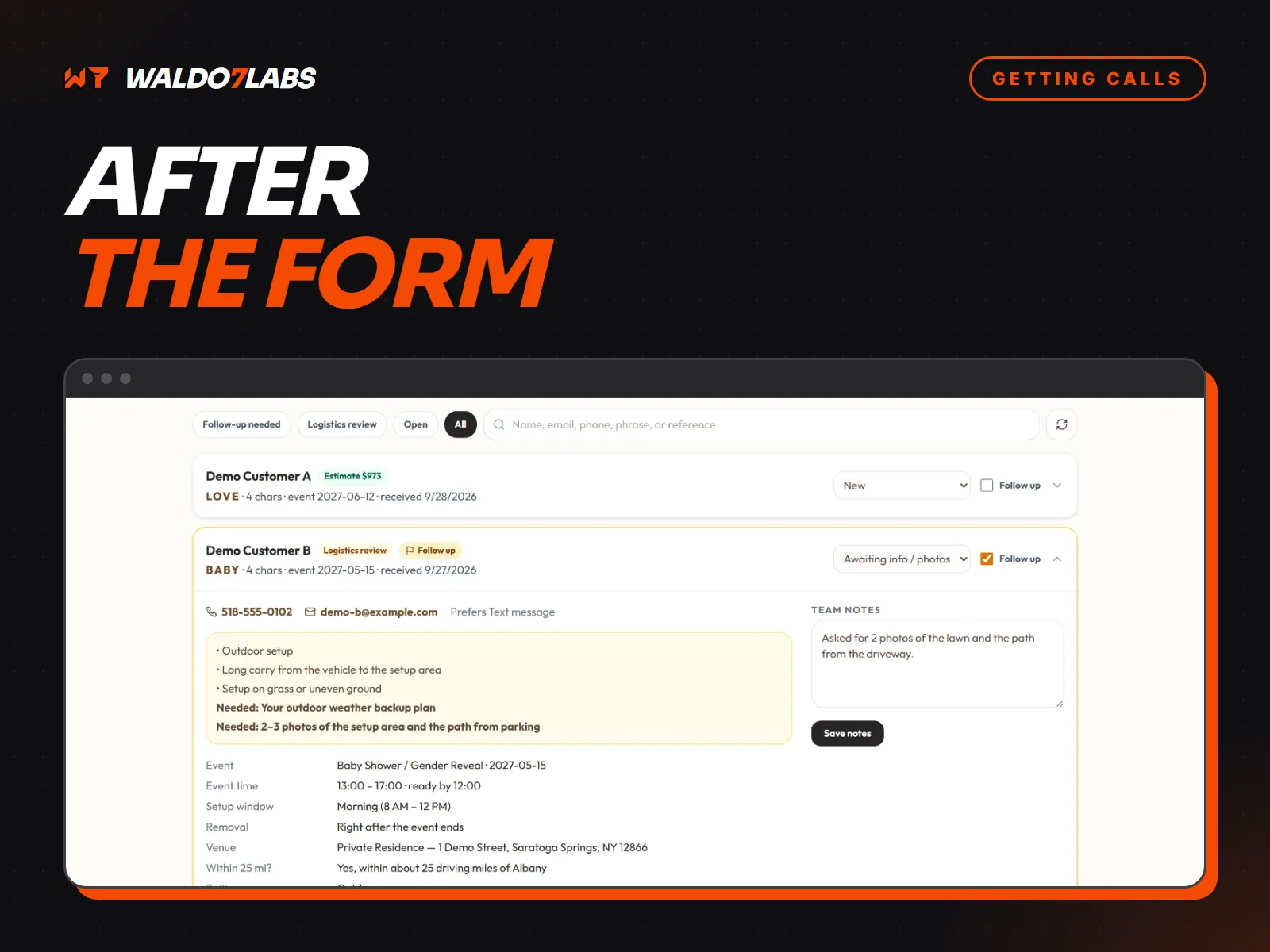
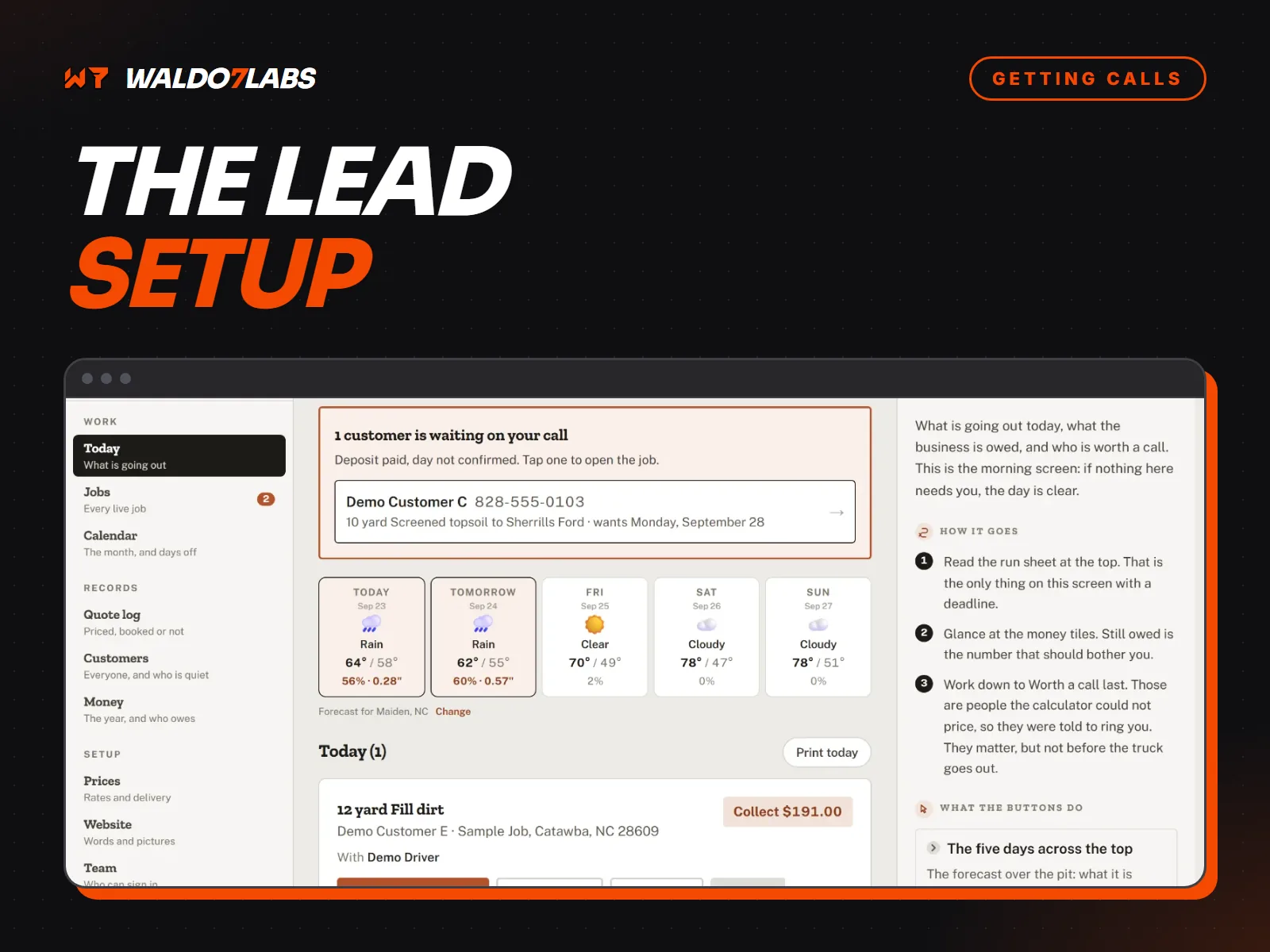
7. One list of every lead
Calls, forms, texts and bookings all land in one place with a status. Nothing gets forgotten, and you can follow up on the quotes that went quiet. More in the follow up most sites skip.
8. Knowing which pages bring leads
Set up tracking so each lead shows which page it came from. After a few months you can see which services and towns bring in work, and put more effort there.
The search side
None of this matters if nobody finds the site. Each build also gets the search basics: page titles and descriptions, structured data, a page for each main service, and a link from your Google Business Profile. The details are in local SEO for your website.
Check your own site
Go through the eight points above on your phone. Anything missing is a leak. The services page covers what I build, and the construction and plumbing pages show it in context.