


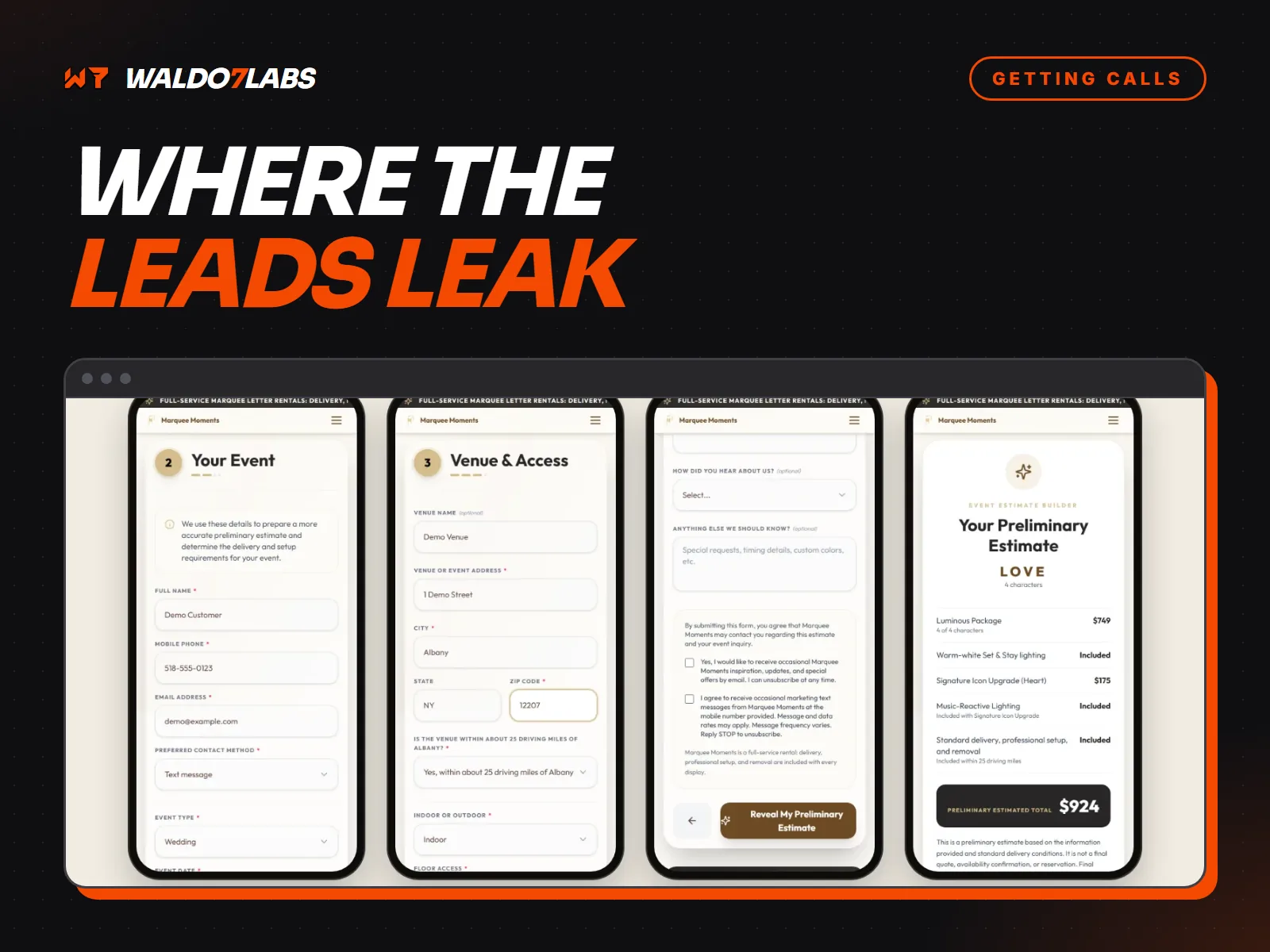
A contact form looks like it is working because nothing looks broken. Then you find out a customer filled it in two weeks ago and nobody saw it. Here are the places forms lose leads, and how to check each one in a few minutes.
It goes to an inbox nobody reads
A lot of forms still send to an address set up years ago: a former employee, an info@ address nobody checks, or a designer's test account. Find out exactly where yours sends. Then send a test and time how long it takes you to notice it.
Better still, have submissions come to your phone as a text with the name, number and job in the message, so you can call back straight from it.
It lands in spam
Form emails often look like spam to email filters, because they come from a website instead of a person. Check your spam folder right now. If you find leads in there, the sending setup needs fixing.
The customer hears nothing back
If someone sends a form and sees a blank page or a tiny "sent" message, they are not sure it worked. So they fill in your competitor's form too. Send an automatic confirmation right away that says you got it and when they will hear from you. Then keep that promise.
It asks too much
Every required field loses some people. Name, phone number, and a short box for what they need is enough to start. Get the address and details on the call.
It is hard to use on a phone
Tiny fields, the wrong keyboard, a dropdown with forty options, or a send button hidden under a chat bubble. Fill in your own form on your phone with your thumb and see how it feels.
The spam blocker blocks people
Puzzle captchas stop some bots and a lot of real people. Quiet checks, like Cloudflare Turnstile and hidden honeypot fields, stop most spam without making customers click on pictures of traffic lights.
Nobody can book
Some customers would rather not call at all. For jobs with a set length, like estimates, inspections or tune ups, a booking link lets them pick a time themselves.
It broke quietly
Forms break when a plugin updates, an email password changes, or a hosting setting moves. Nothing on the page looks wrong. The only way to know is to test it.
A five minute monthly test
- Fill in every form on your site from your phone.
- Check that each one reached you, and how fast.
- Check that the confirmation reached your test email.
- Check your spam folder for anything real.
Put it on your calendar for the first of every month. For what to do once the lead reaches you, see why contractors lose jobs to faster competitors.