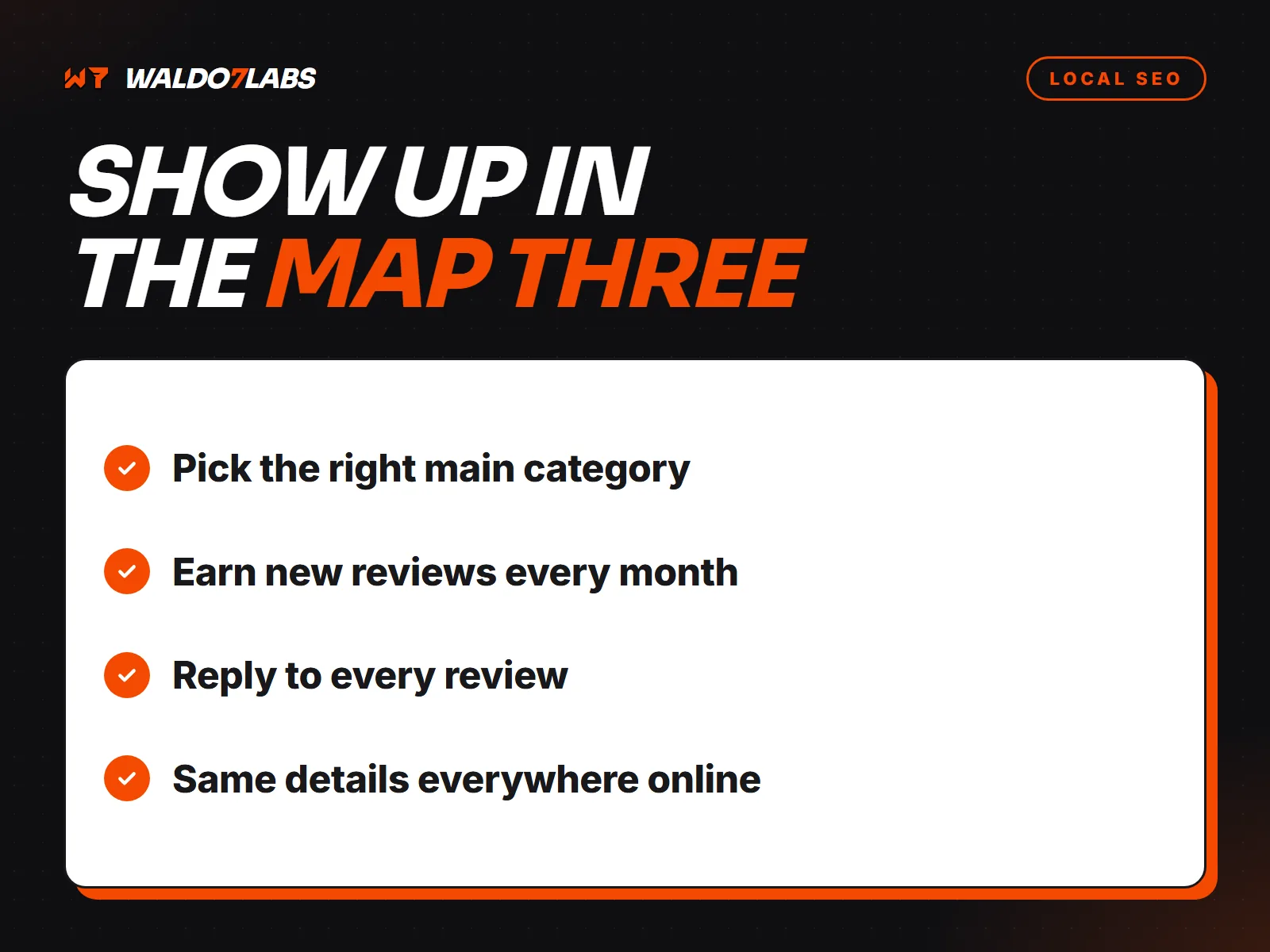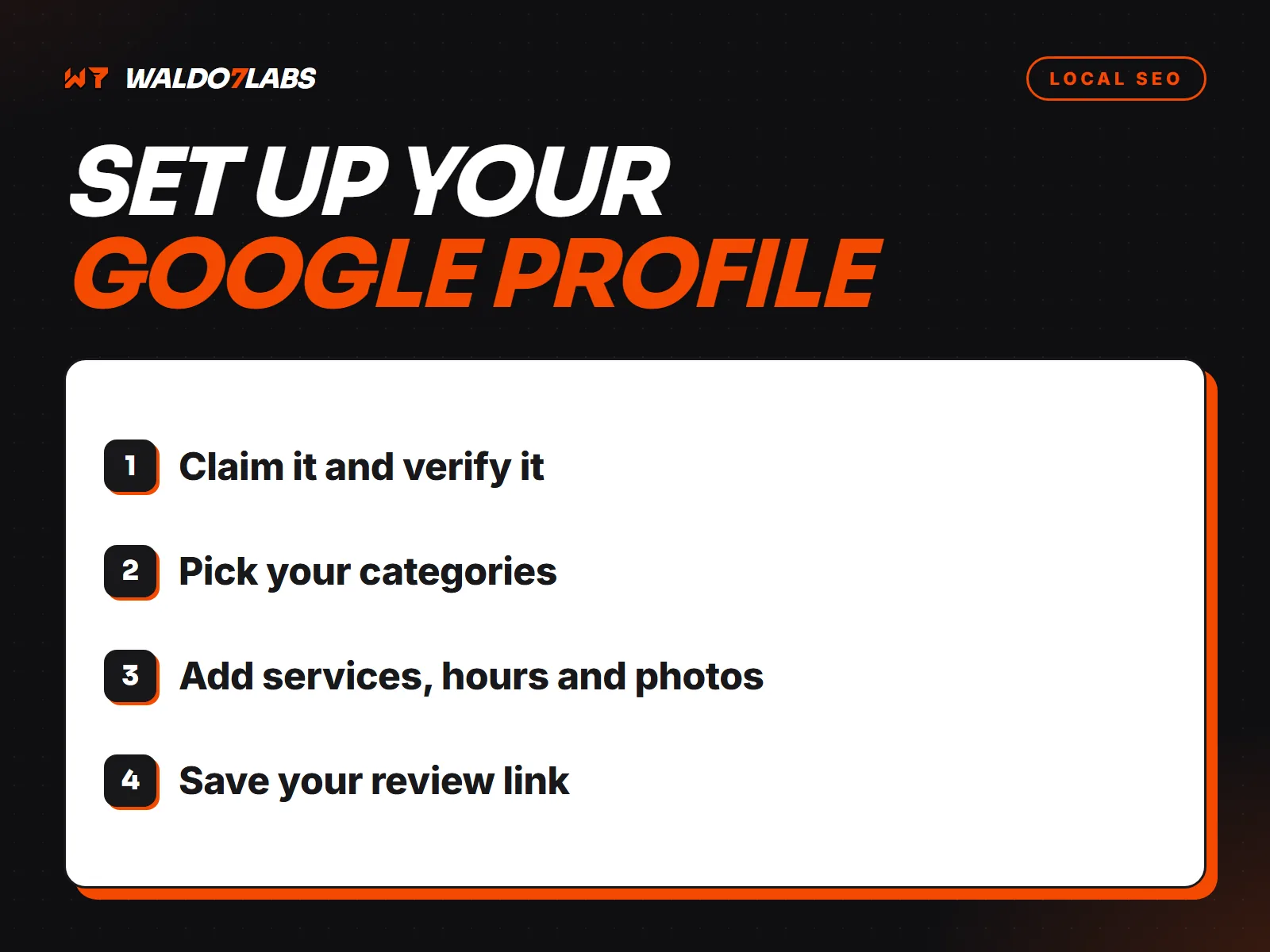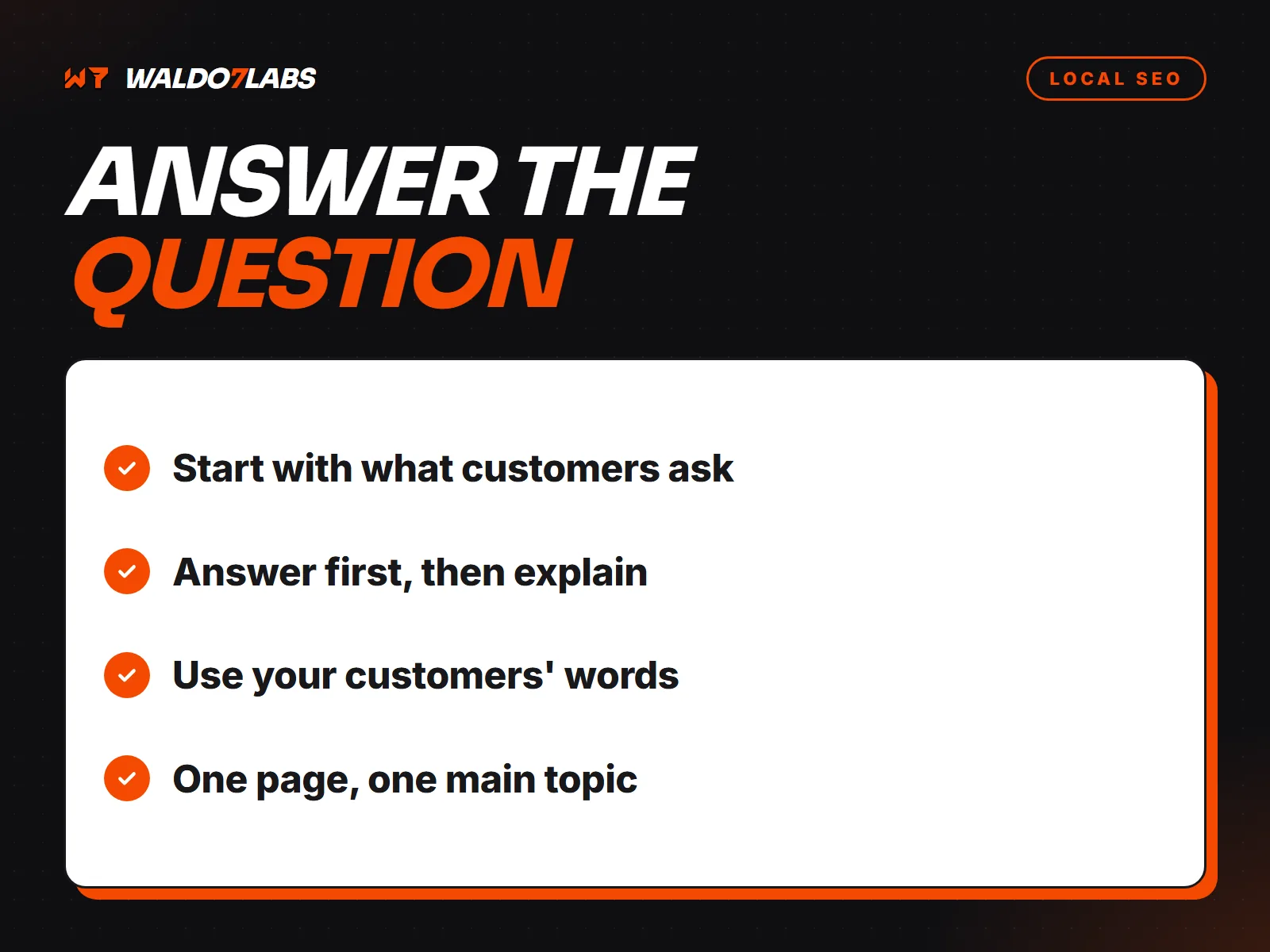



Your Google Business Profile gets you into the map. Your website backs it up, and it is what shows in the regular results below the map. This is the website side of local SEO, for businesses that serve a set of towns.
For the map side, read how to rank on Google Maps and the Google Business Profile setup guide.
A page for each main service
One "Services" page listing twelve things does not rank well for any of them. Each main service needs its own page that covers it properly: what it is, how pricing works, how long it takes, what to expect, and photos of that work.
Link your Google Business Profile to the page that best matches your main category, or to the homepage if that covers it well.
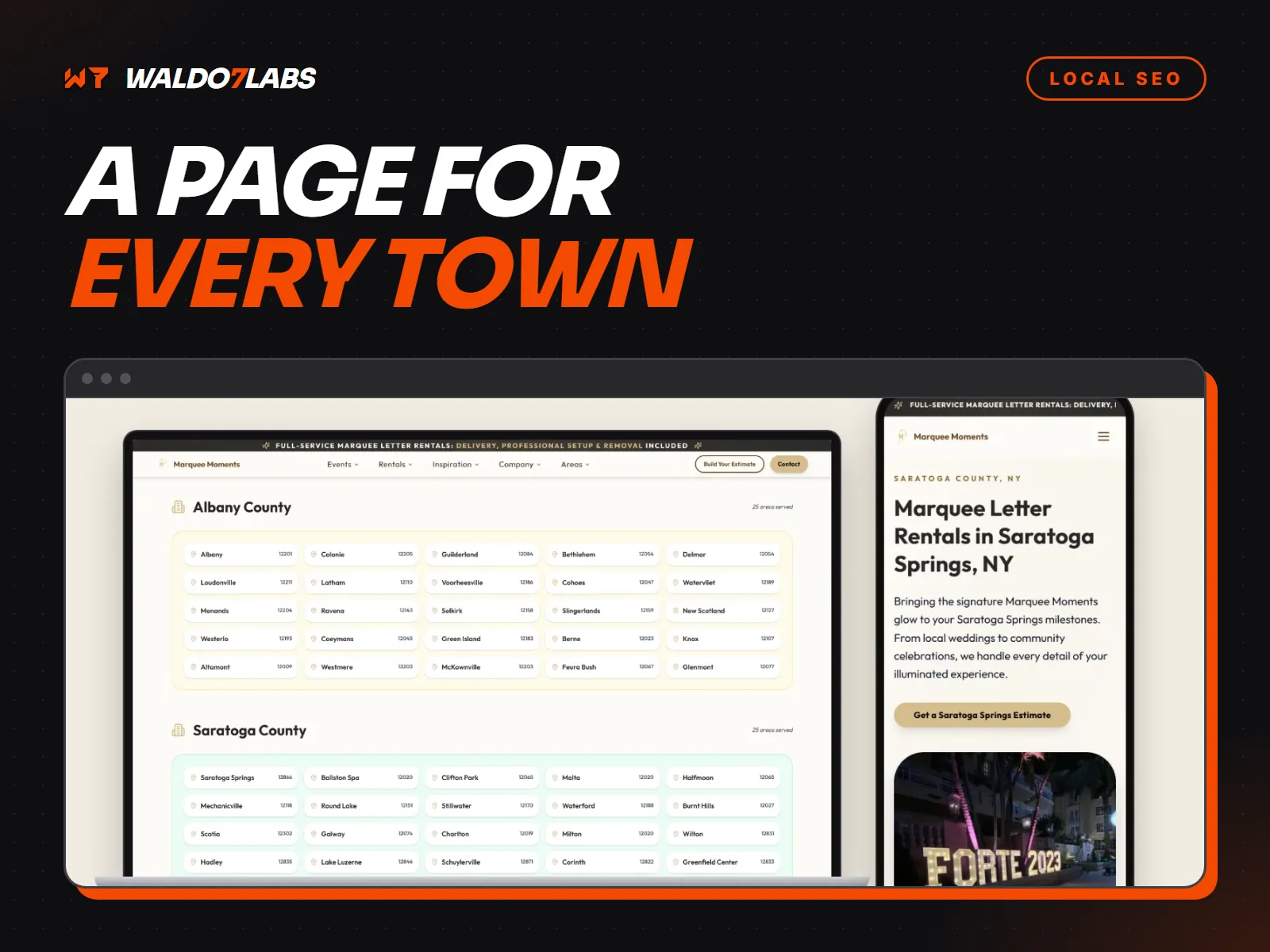
Town pages, done carefully
Pages for the towns you serve can help, but only when each one has real, local content. Twenty pages of the same text with a different town name swapped in look like spam to Google, and it may ignore all of them.
A good town page has something only that town has: jobs you have done there, the neighborhoods, local permit quirks, the kinds of homes or businesses common there, and reviews from customers in that town. If you cannot write that for a town, skip the page and mention the town on your service pages instead.
Titles that say what and where
The page title is the blue link in search results. "Water Heater Replacement in Lincolnton, NC | Smith Plumbing" tells a searcher and Google exactly what the page is. "Home" tells them nothing.
Name, address and phone, the same everywhere
Put your business name, address or service area, and phone number in the footer of every page. Make them match your Google profile exactly, down to "Suite" versus "Ste". Then check Yelp, Facebook, the BBB, Apple Maps and Bing, and fix any listing that differs.
Schema markup
LocalBusiness schema is a block of code, invisible to visitors, that states your business type, address, phone, hours and service area in a format search engines read directly. Service pages can carry their own markup too. It will not make you rank on its own, but it removes guesswork and helps your details show correctly in results and AI answers.
Reviews on the site
Show real reviews on your service pages, ideally pulled from your Google profile, with the customer's name and town. Never write fake ones. It breaks FTC rules and can get your Google listing suspended.
Local links
Links from other local sites tell Google you are part of the community. Good places to start:
- Your chamber of commerce and trade associations.
- Suppliers and manufacturers with dealer or installer lists.
- Local sponsorships: youth sports, school events, charity runs.
- Local news and blogs, when you do something worth mentioning.
Speed and phones
Most local searches happen on phones. A slow page loses the visitor before they see your number. Mobile first design covers the details.
This is the core of the SEO work built into every site I make. For examples in a trade, see the plumbing, roofing and HVAC pages.