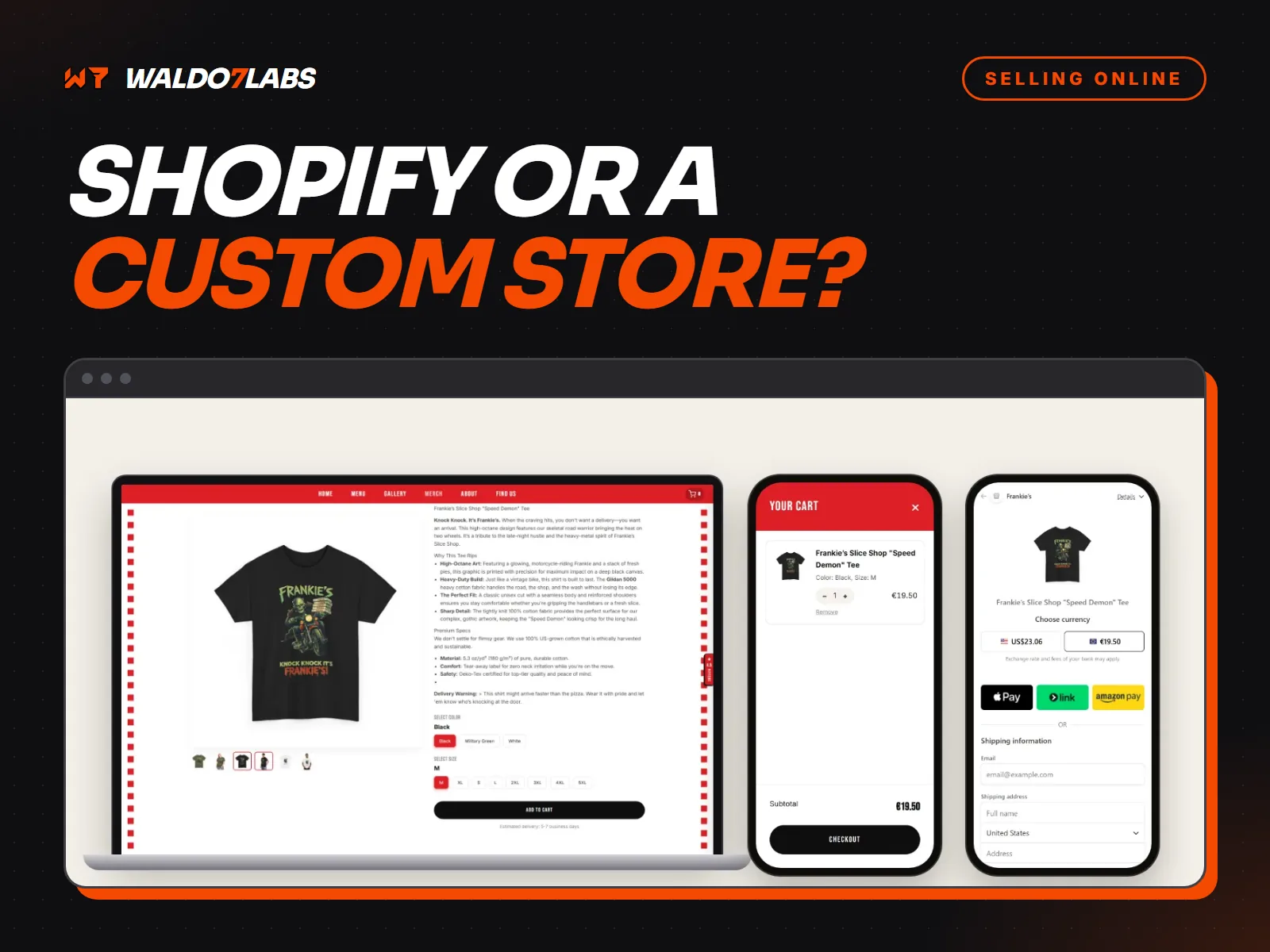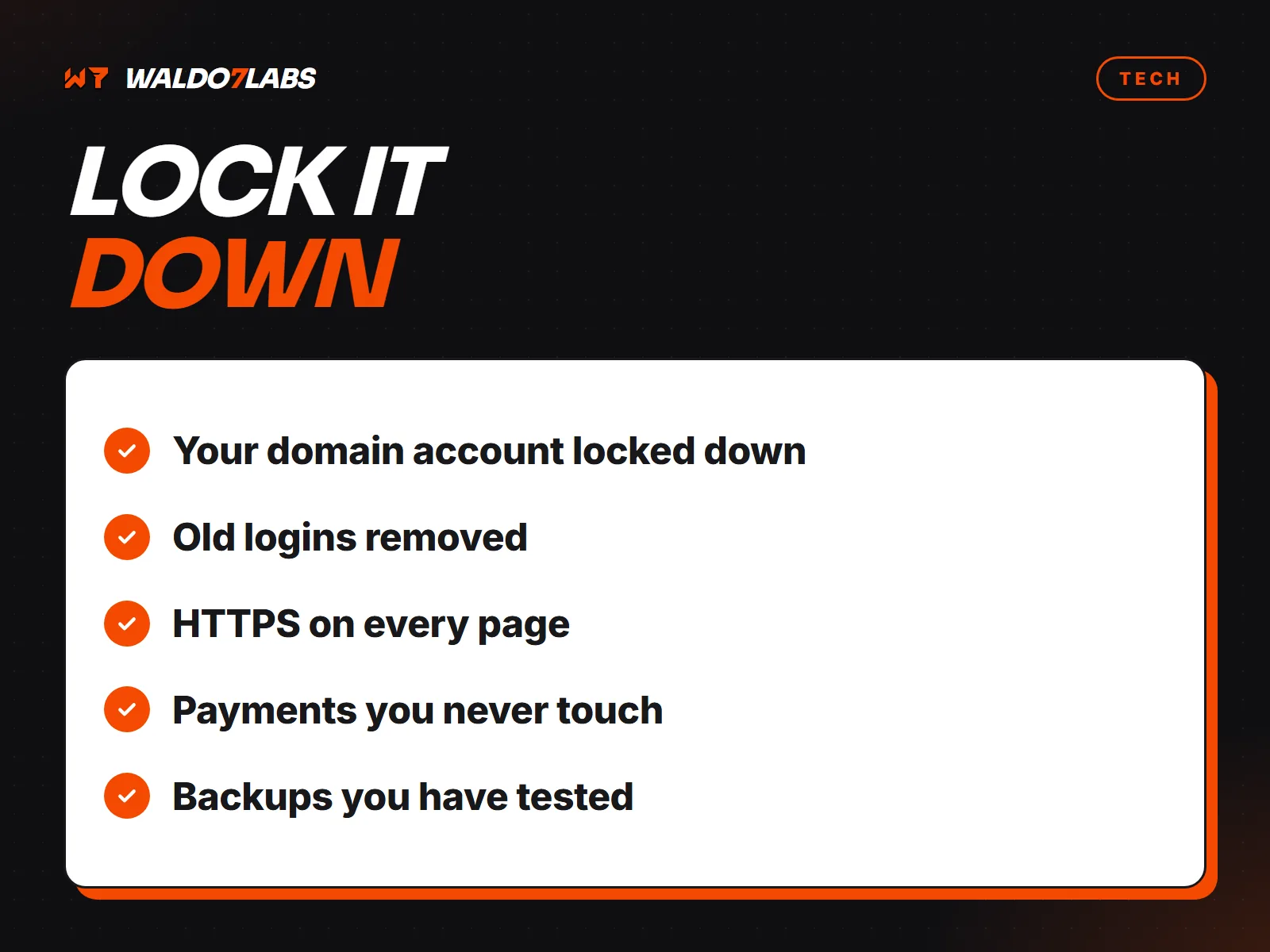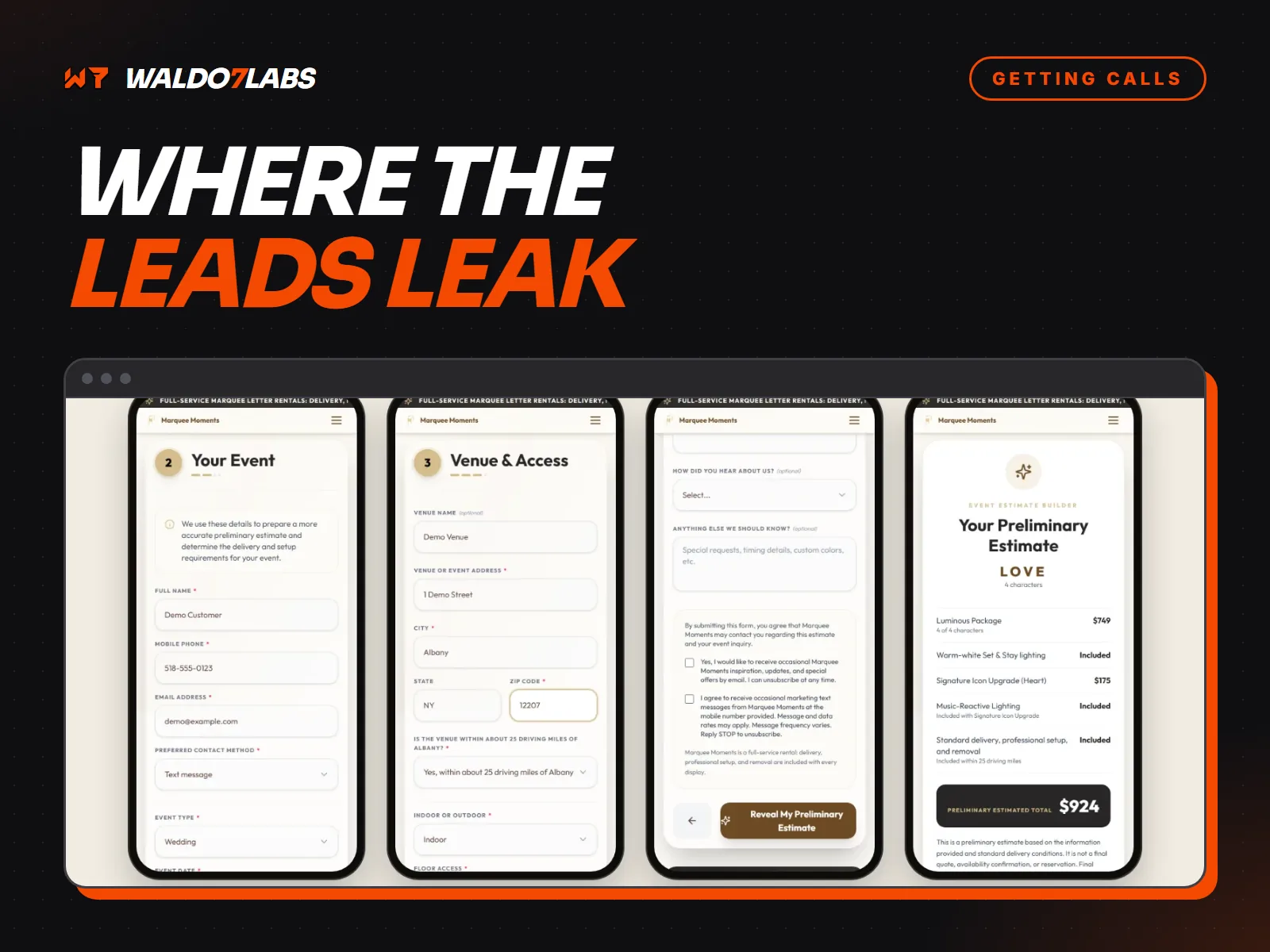



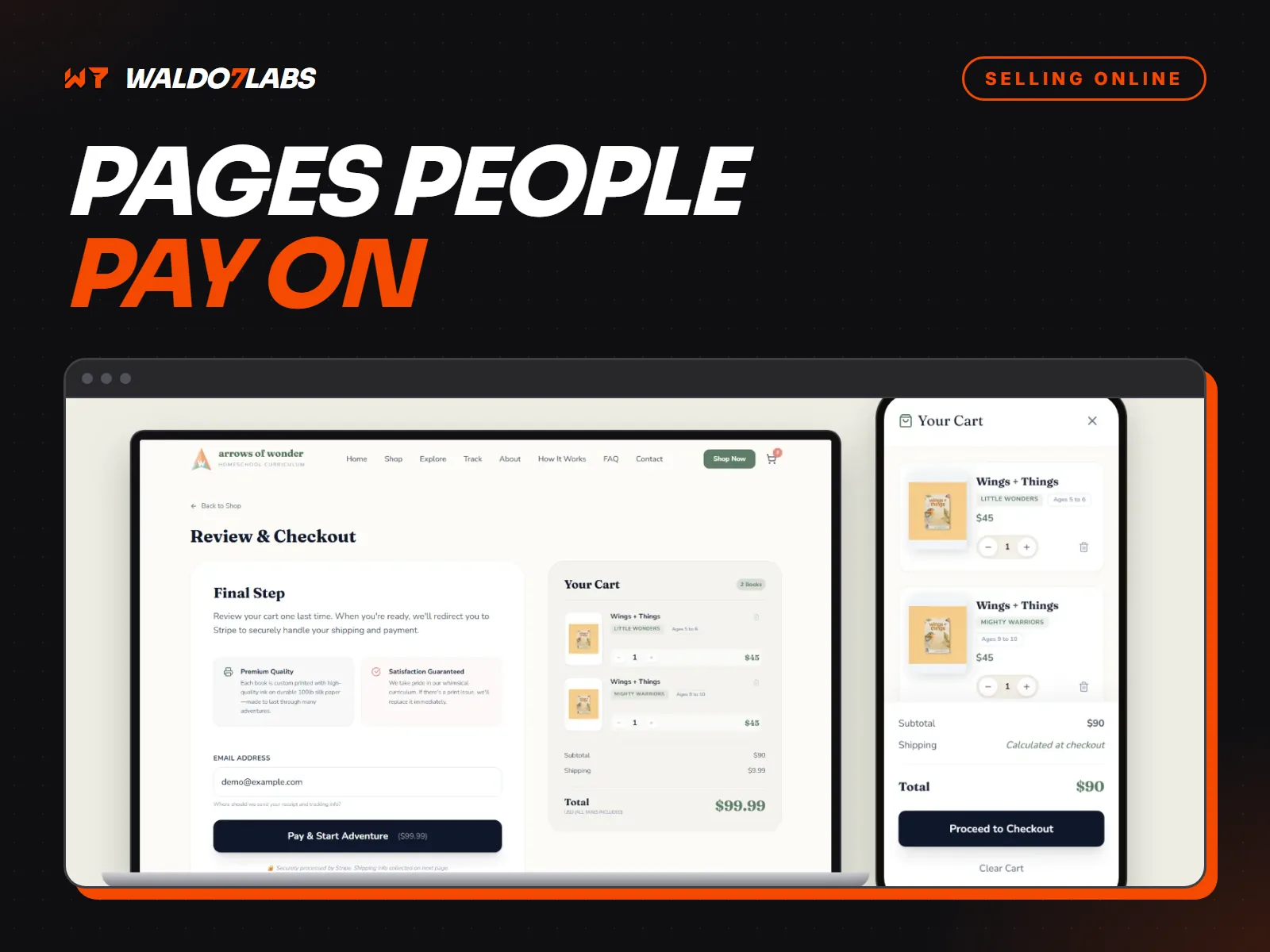
If you take deposits, invoices or orders on your website, the payment page is where trust matters most. Someone who was ready to pay will still back out if something feels off. Most of what makes a payment page feel safe is simple.
Use a payment company people know
Stripe, Square and PayPal handle the card details, so you never see or store them. Customers recognize them, and that recognition does a lot of the trust work for you. Building your own card form is a bad idea for a small business.
Show what they are paying for before the card box
Before anyone types a card number, they should see:
- What the payment is for, in plain words. "Deposit for fence install, 123 Main St."
- The total, including tax and any fees.
- Whether it is a one time charge or recurring.
- What happens next.
A surprise fee on the last screen is one of the fastest ways to lose a payment. If there is a card fee, show it early.
Ask for less
Every extra field is a reason to stop. For a deposit you might need a name, an email and the card. You probably do not need a birthday, a company name and a second phone number.
Make it work on a phone
A lot of invoices get paid from a phone in a parking lot. Use big buttons, fields that bring up the right keyboard, and Apple Pay or Google Pay where you can. Test it on your own phone before you send the link to anyone.
Write errors a person can use
"Error 402" helps nobody. "Your card was declined. Try another card or call your bank." tells them what to do. The same goes for expired cards, wrong ZIP codes and timeouts.
Confirm right away
After payment, show a clear confirmation on screen and send a receipt by email. Say what happens next and when. People who are not sure a payment went through tend to pay twice, or call you worried.
Keep your policies in plain sight
Refunds, cancellations and deposits. Link them near the pay button, in normal language. Customers who know the rules up front dispute fewer charges.
Look like a real business
Show your business name, phone number and location on the payment page. If it looks like part of your website, with your logo and colors, people relax. A plain unbranded page from nowhere makes them nervous.
If you sell products, compare this with the options in Shopify or a custom store. For the security side, see the website security checklist.