


Most small business websites are not hacked by someone who picked them out. They are hit by bots that scan the whole internet for easy targets: old software, weak passwords, forgotten accounts. The good news is that the fixes are mostly boring and cheap.
Here is the checklist I run through, starting with the things that do the most damage when they go wrong.
1. Your domain name account
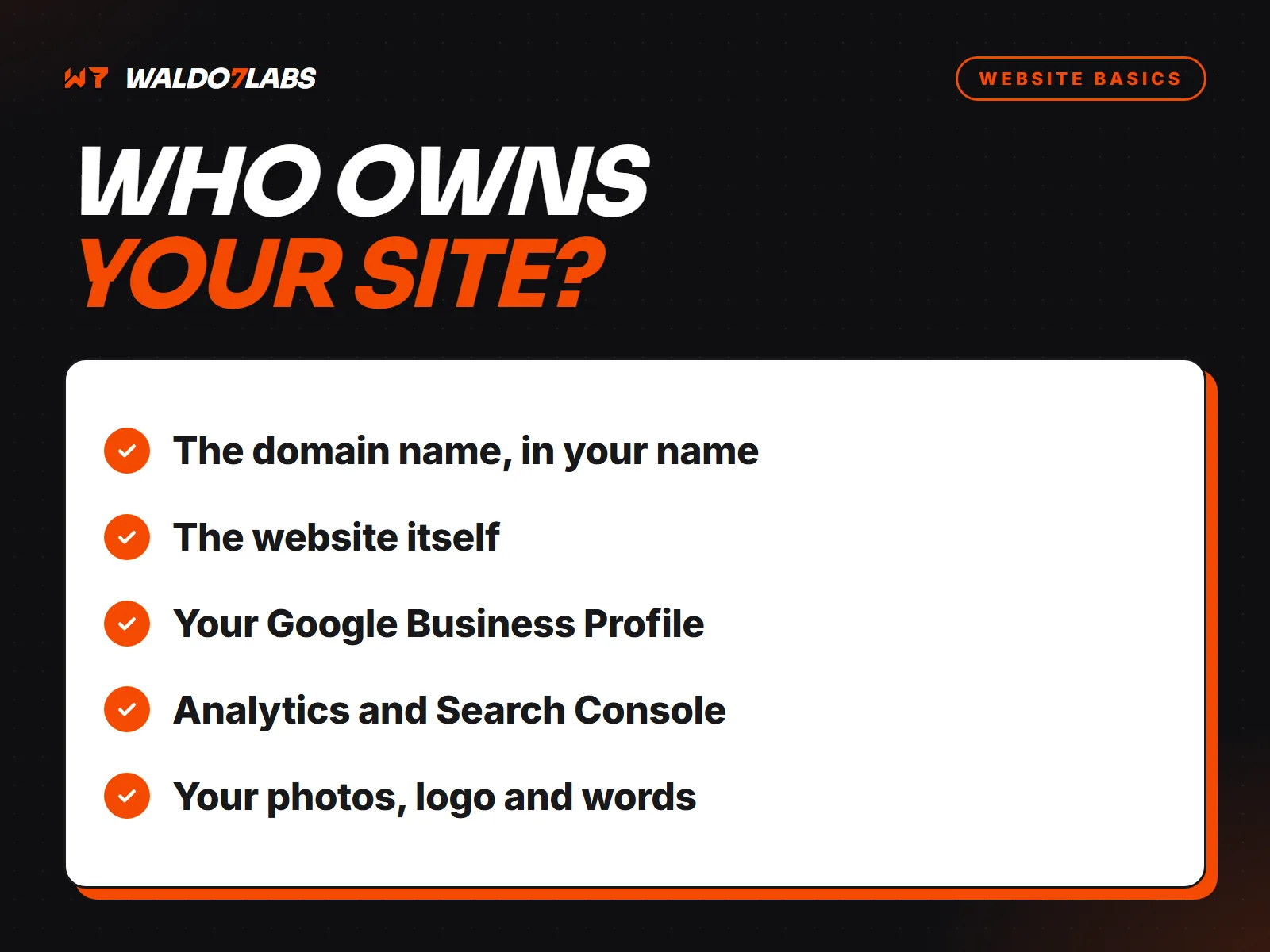
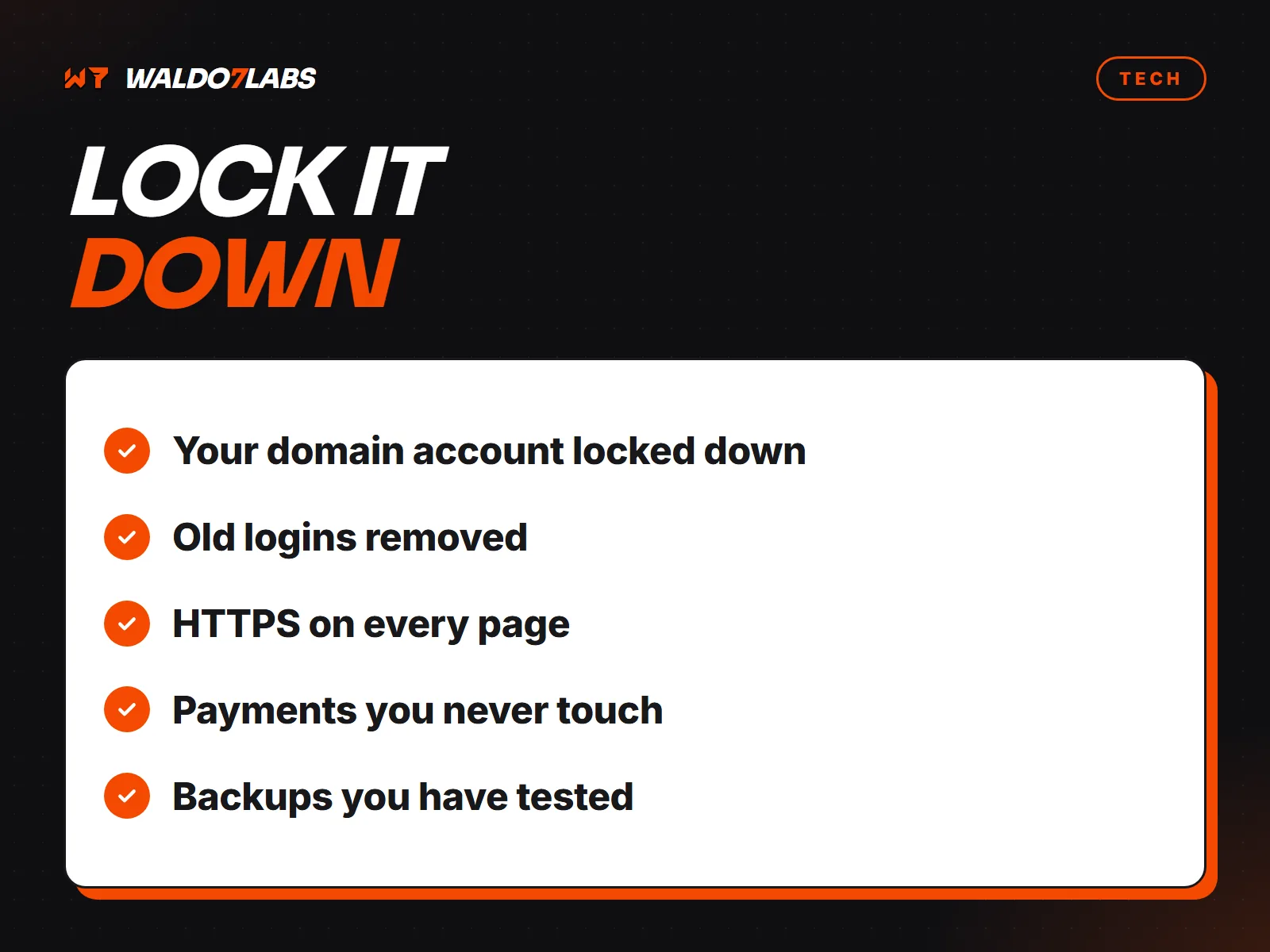
Whoever controls the account where your domain is registered controls your website and your email. It is the most important login you have.
- The domain should be registered to you or your business, not your old designer.
- Turn on two factor login.
- Turn on auto renew, and keep the card on file current. Expired domains get snapped up.
- Know which email address the account uses, and make sure you can still get into it.
2. Your business email
Password resets for everything else go to your email. If someone gets in there, they can get into the rest. Use a strong password you do not use anywhere else, and turn on two factor login.
3. Who still has access
List everyone with a login to your website, hosting, domain, Google Business Profile and social accounts. Former employees, old designers and the nephew who helped once should come off the list. Change any password that was ever shared.
For Google Business Profile and most platforms, add people as managers with their own login instead of handing out yours.
4. Updates, if your site needs them
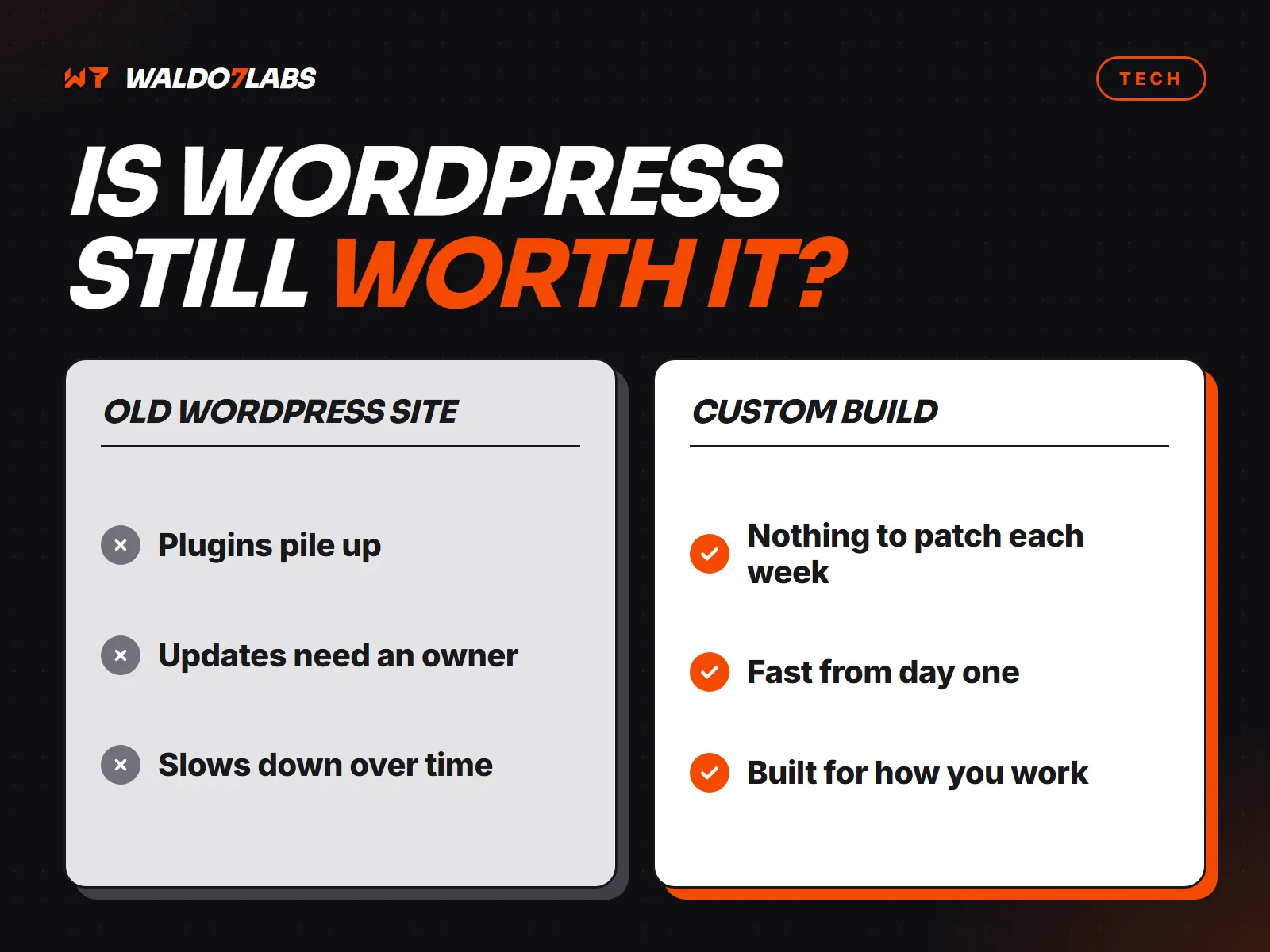
If your site runs on WordPress or a similar system, the core, theme and plugins all need regular updates. Most break ins come through something out of date. If nobody is doing this, it is your biggest risk. See is WordPress still right for a local business.
Pre-built static sites, like the ones I make, have no plugins or database on the public site, so there is far less to update and far less to attack.
5. HTTPS everywhere
Your site should load with https and a padlock, and the certificate should renew on its own. Browsers warn visitors away from sites without it.
6. Forms that do not invite spam
An open contact form attracts bots. Use a quiet spam check like Cloudflare Turnstile, a hidden honeypot field, and checks on the server side. Your inbox stays clean and real leads do not get buried.
7. Payments you never touch
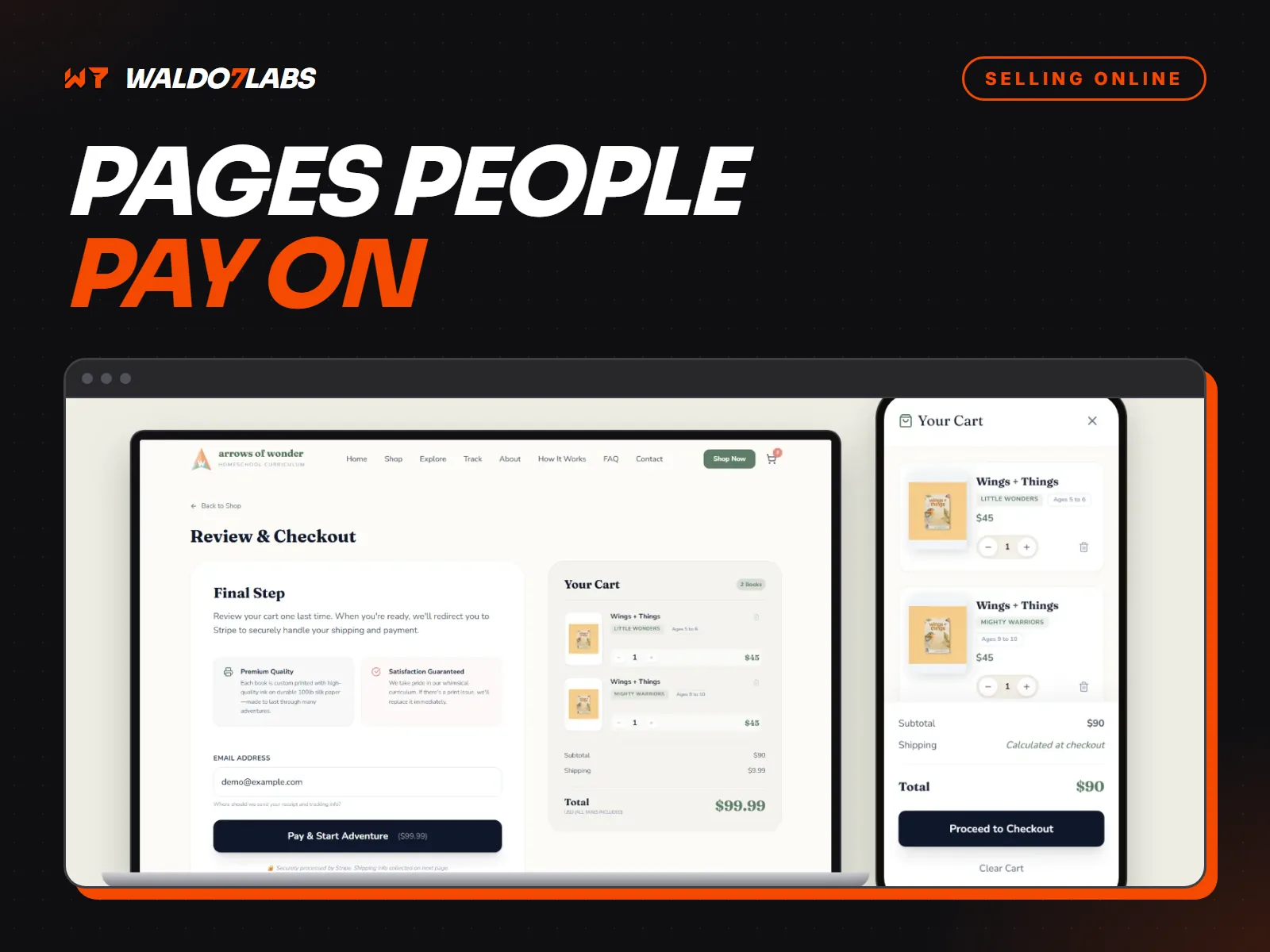
Never collect card numbers on your own form. Use a payment company like Stripe or Square, where card details go straight to them. More in taking payments on your website.
8. Backups you have actually tested
Know where a copy of your site lives and how long it would take to put it back. A backup nobody has ever restored is a hope, not a backup.
If you think you have been hacked
- Change the passwords for your email, domain, hosting and website, starting with email.
- Turn on two factor login everywhere you can.
- Restore a clean backup, or have someone clean the site.
- Check Google Search Console for security warnings, and request a review once it is fixed.