

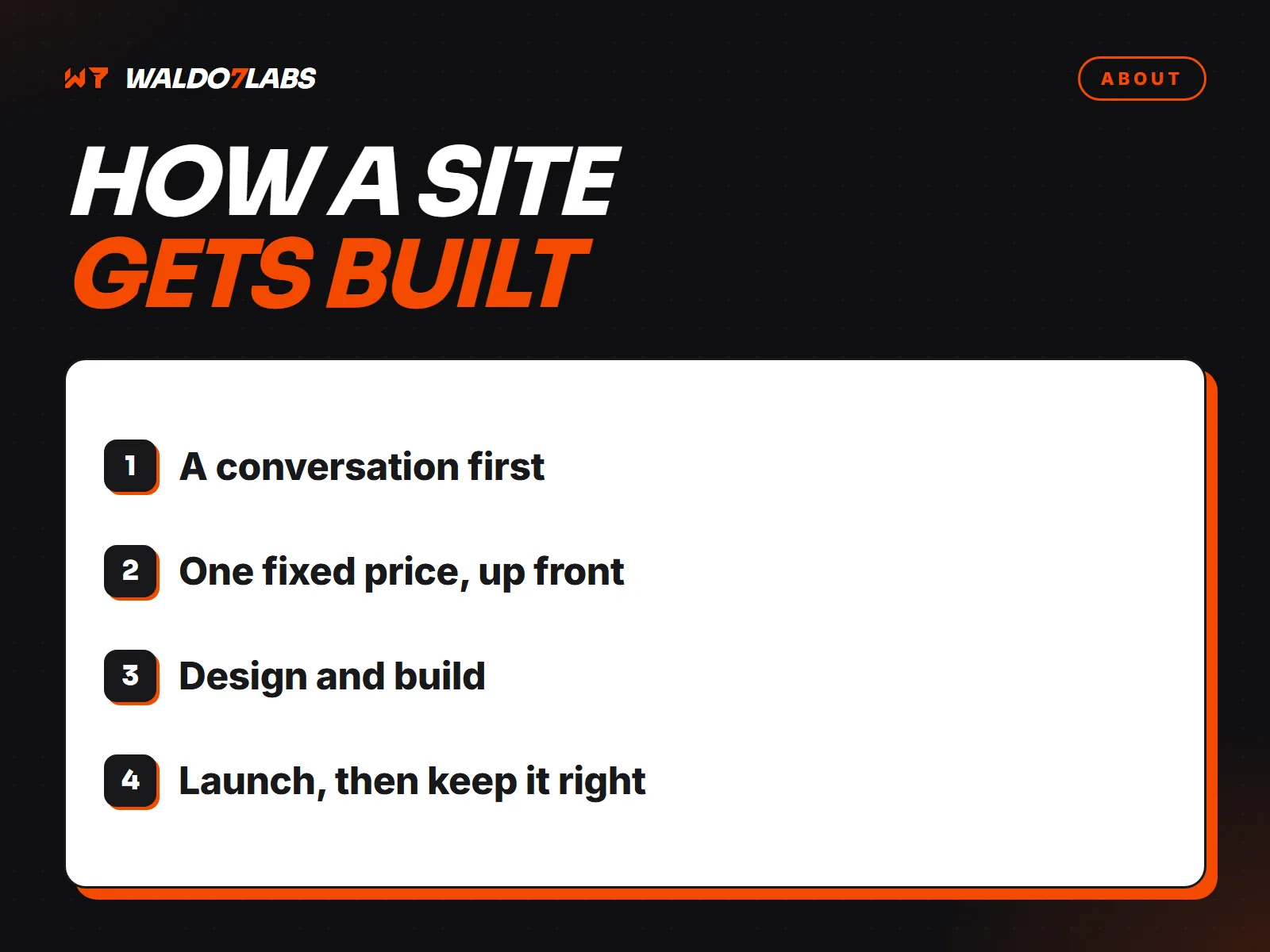
People ask me what actually happens between "I need a website" and the site going live. Here is the whole process, step by step, so you know what to expect.
1. A conversation first
Every project starts with a phone or video call. I work from home in Iron Station, so that is how it works wherever you are. I want to know what you do, who your best customers are, where they come from now, and what you want them to do on the site: call, book, order or ask for a quote.
If you already have a site, I look at it before we talk. The free website check covers speed, mobile, search basics and a few common problems.
2. One fixed price, up front
After that call you get one price for the job. Not an hourly estimate and not a range. It covers what we agreed on, and there is no long contract. More on the pricing page.
3. Gathering what the site needs
This is where most projects slow down, so it helps to know early. I will ask for:
- Your services, and the towns you want to show up in.
- Real photos of your work, your team and your trucks. Phone photos are fine.
- Any reviews, licenses or certifications you want shown.
- Access to your domain and Google Business Profile, or help setting them up.
If writing is not your thing, I write the pages from our conversation and you check them for accuracy.
4. Design and build
Every site starts from a blank file, not a template. You get a preview link to watch the site come together and try it on your own phone. Changes go back and forth there until it is right.
It is built to load fast on phones, with a tappable phone number, forms that reach you right away, and the search basics in place: page titles, descriptions, structured data and a sitemap.
5. Launch
Launch day has its own checklist:
- Old page addresses redirected to the new ones, so you keep any Google rankings you had.
- Every form tested end to end, including the alert that reaches you.
- The site connected to Google Search Console and linked from your Google Business Profile.
- A final check on real phones.
6. After launch
A site is never really finished. Prices change, you add a service, you want new photos up. Tell me what you need by text or email. In the first weeks after launch I also watch Search Console for errors, because that is when problems tend to show up.
You can see finished sites on the work page, and the short version of this process on the process page.