


A lot of small business owners find out who owns their website the hard way: when they try to leave their designer. The domain is in someone else's name, the site cannot be moved, and the Google profile sits in an agency account. Check these things now, while everyone is still friendly.
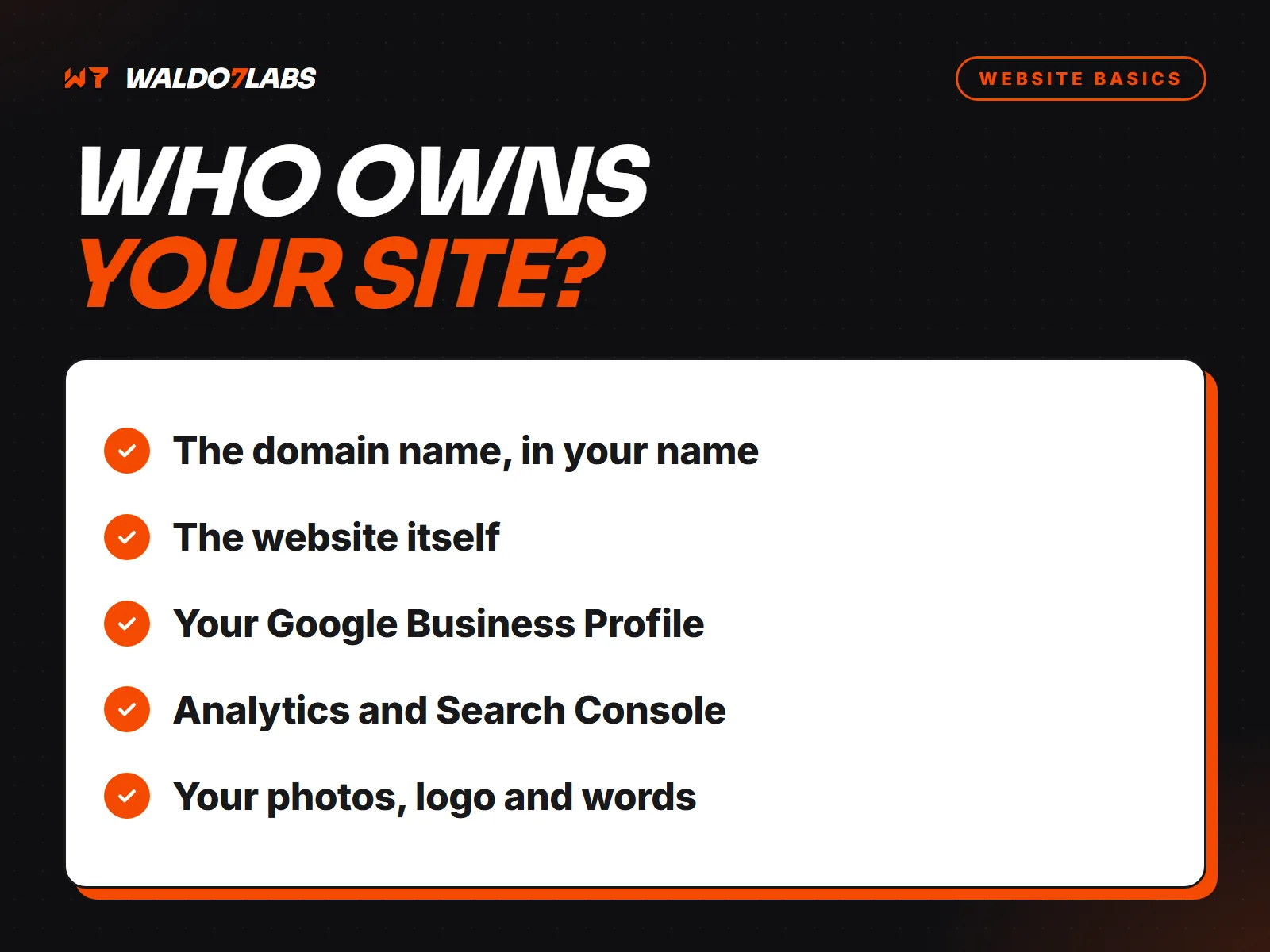
The domain name
This is the one that matters most. Your domain should be registered to you or your business, in an account you can log into. If a designer registered it for you, ask them to transfer it or make you the owner. Losing the domain means losing your web address, and usually your email too.
The website itself
Ask what happens to the site if you stop paying. There are three common answers:
- You own it. The files are yours and can move to another host or developer.
- You license it. You can use it while you pay. If you leave, the site stays behind.
- It is on a builder. Most website builders do not let you take the site with you. You keep your words and photos and rebuild elsewhere.
None of these is automatically wrong. You just need to know which one you are agreeing to, and have it in writing.
Your Google Business Profile
Your profile should be owned by your own Google account. An agency or designer can be added as a manager. If someone else is the owner, ask them to make you the primary owner. Your reviews live there, and they are hard to rebuild.
Analytics and Search Console
These hold your traffic history. Set them up under your account and add your designer as a user, not the other way around. Starting over means losing years of data.
If your business email runs on your domain, know where it is hosted and who has the admin login. Email is usually the first thing to break when a website moves, and the most painful.
Photos, logos and written content
If you paid for a logo, photos or written pages, ask who holds the rights. Stock photos a designer licensed may not transfer to you.
The contract
- How long is it? Month to month is the easiest to live with.
- What does leaving cost, and how much notice is needed?
- What exactly do you walk away with?
I work month to month with no long contracts, and I would tell anyone to ask me these same questions. The right answer is one you understand before you sign. For the other half of the decision, see template or custom website.