


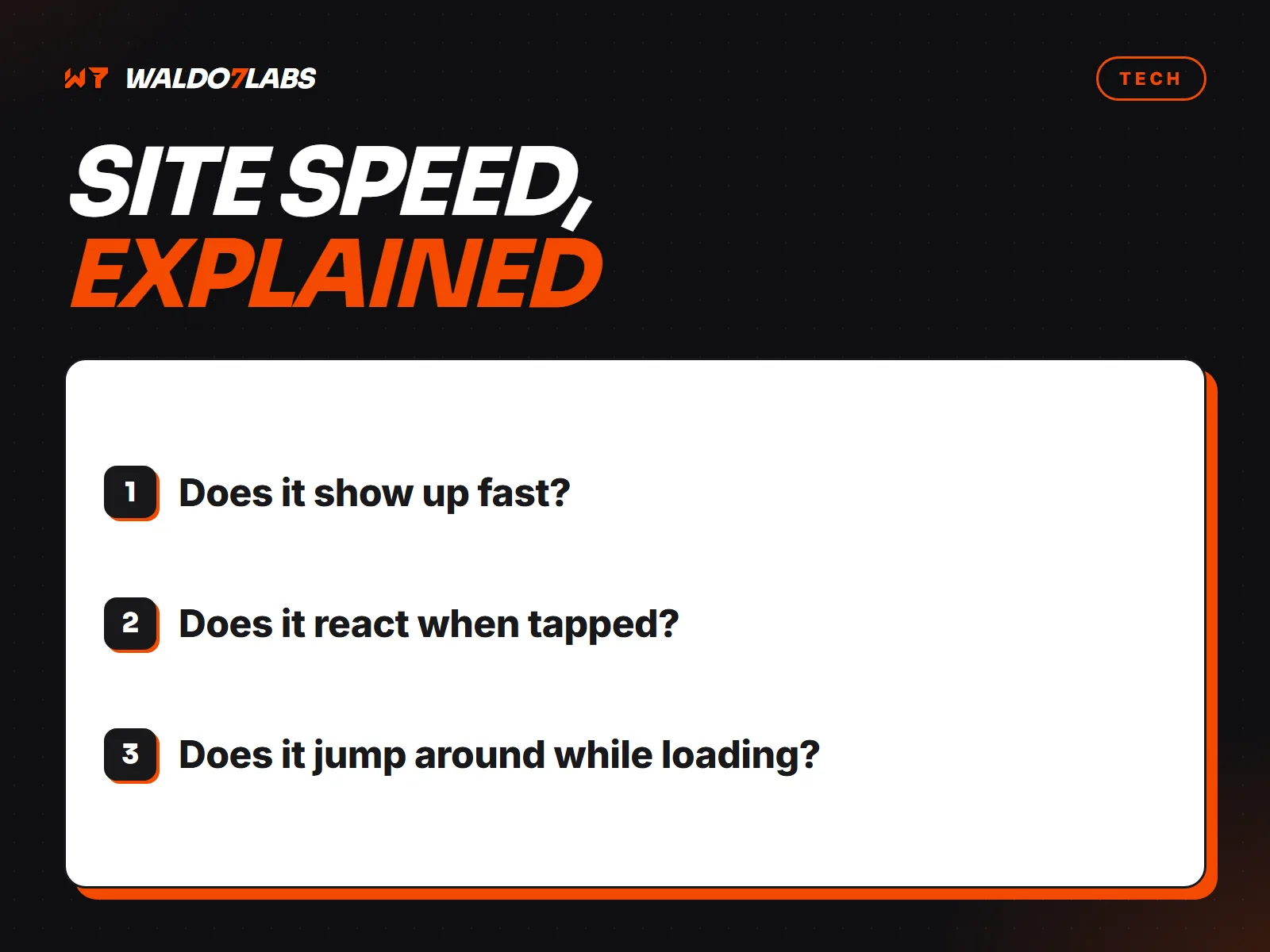
Core Web Vitals are three measurements Google uses to judge how a page feels to a real visitor. The names sound technical. What they measure is simple: how fast the page shows up, how fast it reacts, and whether it jumps around.
The three numbers
Largest Contentful Paint (LCP): does it show up?
How long until the biggest thing on the screen, usually the main photo or headline, is visible. Google counts under 2.5 seconds as good.
Interaction to Next Paint (INP): does it react?
How long the page takes to respond when someone taps a button or opens a menu. Under 200 milliseconds is good. INP replaced an older measure called First Input Delay (FID) in 2024, so older articles may still mention FID.
Cumulative Layout Shift (CLS): does it jump?
How much the page moves around while it loads. You have seen this: you go to tap a button, something loads above it, and you tap the wrong thing. A score under 0.1 is good.
How to check your own site
- Go to PageSpeed Insights at pagespeed.web.dev and enter your homepage.
- Look at the top section first. If it shows data from real visitors, that is the data Google uses.
- Check the Mobile results. Most local customers are on phones, and mobile scores are almost always worse.
- Test your most important service page too, not just the homepage.
Small sites often do not have enough visitors for real world data. In that case you only get the lab test, which is still useful for finding problems. You can also run the free website check, which looks at speed along with a few other basics.
What slows small business sites down
- Huge photos. A photo straight off a phone can be several megabytes. Resized and saved as WebP or AVIF, it is a fraction of that and looks the same.
- Sliders at the top. They load several big images before anything useful shows. One strong photo does the job better.
- Third party scripts. Chat widgets, review widgets, tracking pixels and booking embeds all add weight. One might be fine. Six are not.
- Page builders and plugins. They load code for every feature on every page, used or not.
- Fonts. Several font families and weights add up quickly.
- Pop ups and banners. Anything that appears late and pushes content down hurts CLS.
Does it really affect rankings?
Google has said page experience is one signal among many. Great content on a slow page can still rank. But speed has a more direct cost than rankings: people leave slow pages. If someone taps your listing, waits, and hits back, you earned that visit and got nothing for it.
Do not chase a perfect 100
A 100 in the lab test is nice. It is not the goal. The goal is a page that loads fast on a normal phone over cell data and does not jump around. I aim for 90 or higher on the sites I build because it keeps that true, but no visitor can tell a 92 from a 100.