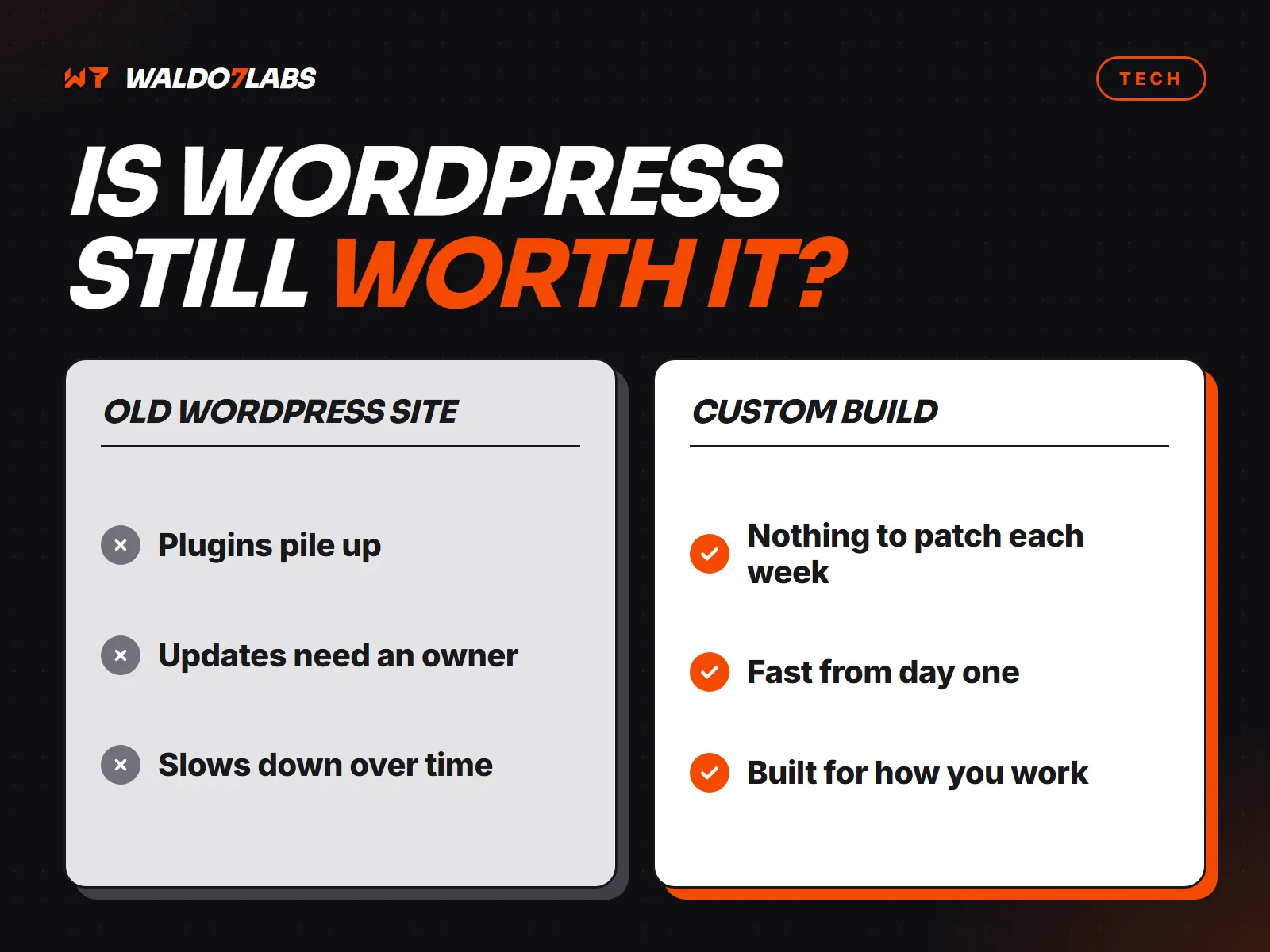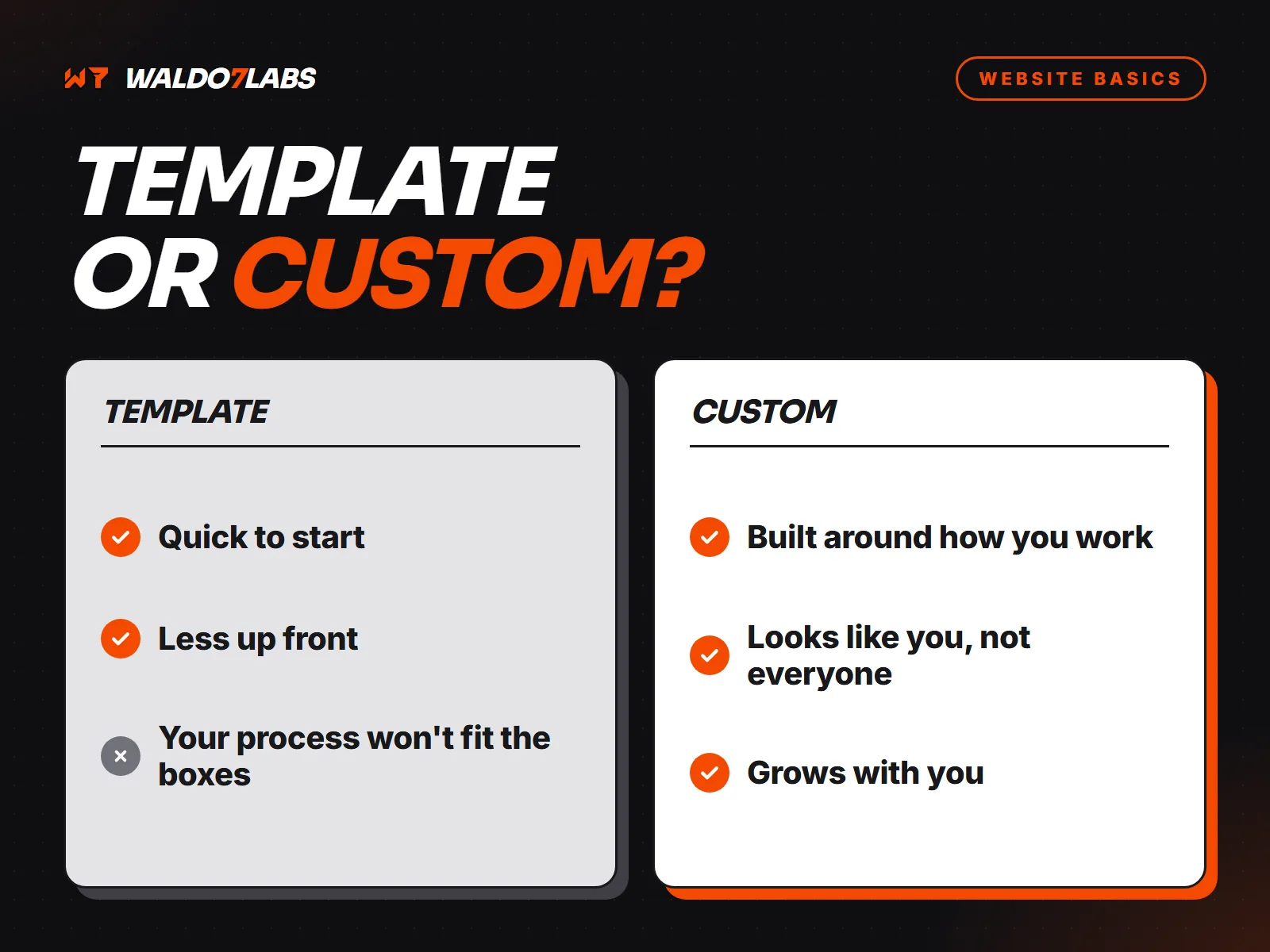



When I tell owners their new site will not run on WordPress, the first question is always the same: "How do I change things?" Fair question. Here is how it works, and how to pick the right setup for how often you actually make changes.
First, what do you really change?
Look back over the last year. For most service businesses the list is short:
- Hours, especially around holidays.
- A price or two.
- A new service or a new photo.
- A seasonal special.
- Someone joining or leaving the team.
That is a few changes a year, not a few a day. The right setup depends on that number.
Option 1: send the change
For sites that change a few times a year, the simplest system is no system. You text or email what you want changed, and it gets made, checked and published. No logins to remember and nothing for you to break.
Option 2: an editor for the parts that change often
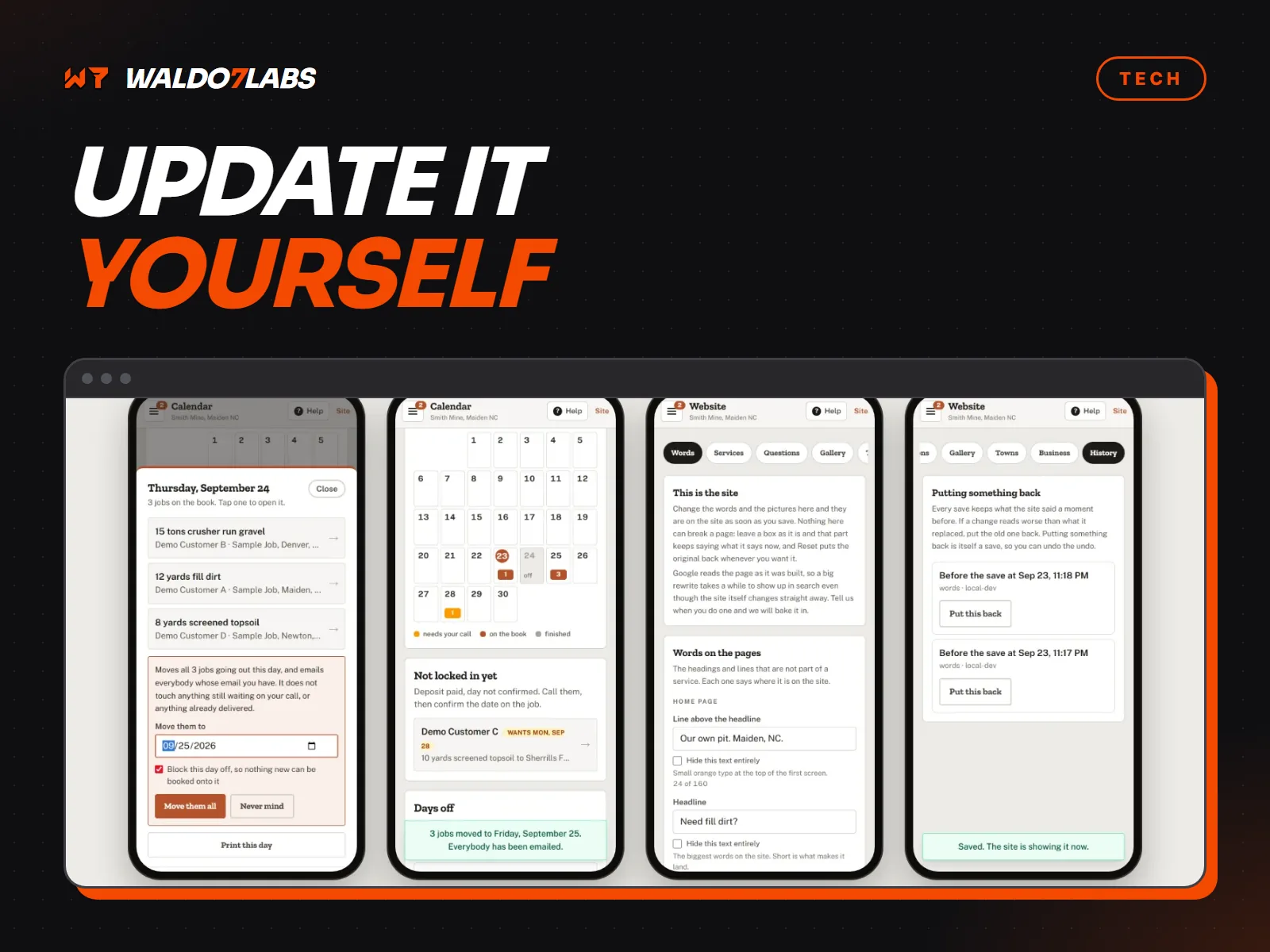
If one part of the site changes often, like a menu, specials, listings or a blog, that part can have its own simple editor. You log in, change it, and save. The rest of the site stays locked down.
This is different from WordPress, where everything is editable and everything can break. You only get the controls you need.
Option 3: a portal your office runs
Some sites need more, like a school posting announcements and documents, or a business managing customer accounts. That can be a private portal your staff uses every day. The Creo Classical Academy site has family and faculty portals run by the school office.
How the site stays fast either way
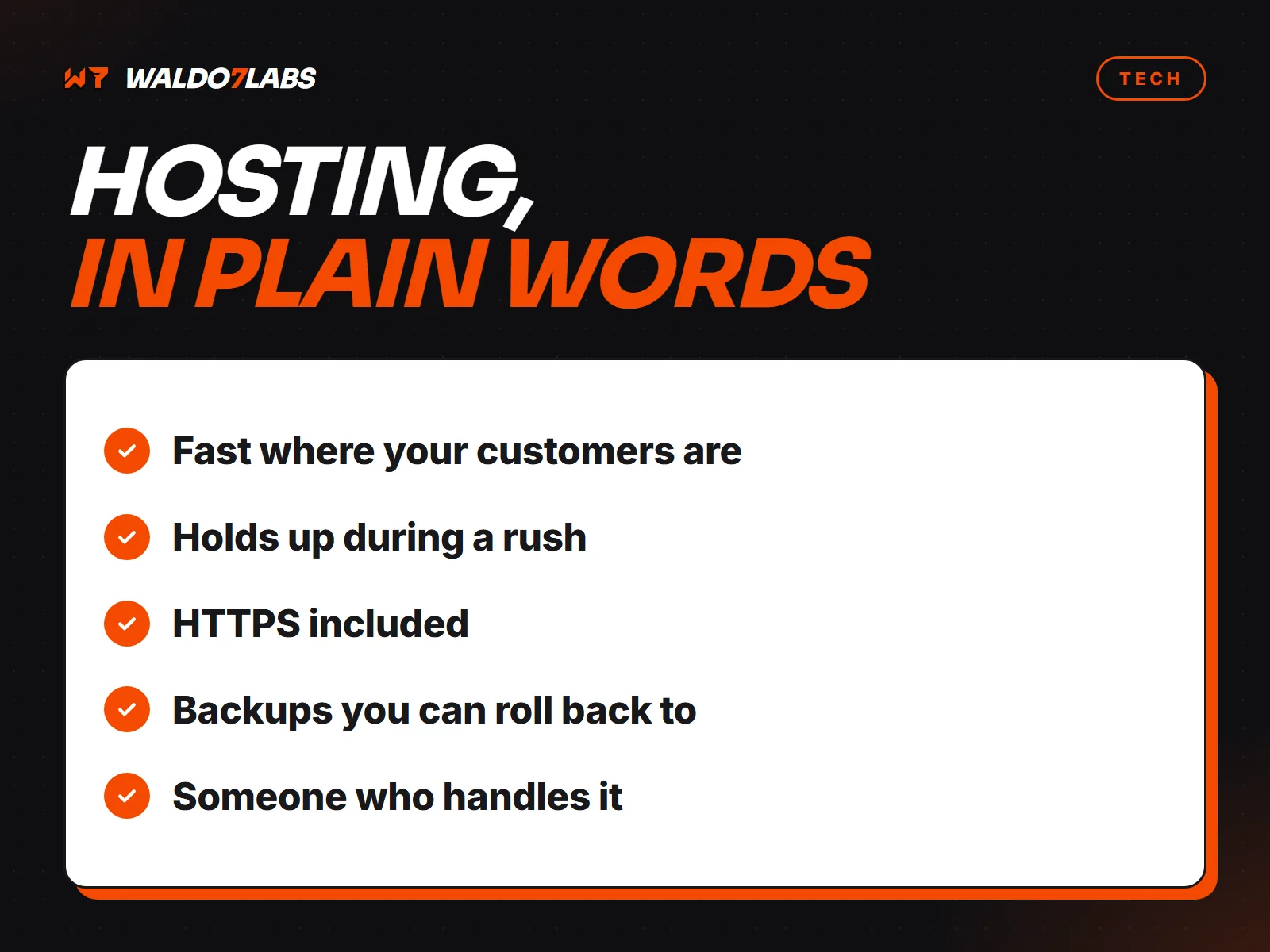
The sites I build are pre-built into plain files and served from a global network. When something changes, the site rebuilds and the new version goes live within minutes. Visitors never wait on a database. More in what matters in hosting.
When WordPress still makes sense
If several people publish every day, like a news site or a busy blog, a full content system earns its keep. For a service business that changes its hours twice a year, it is a lot of upkeep for very little use. Is WordPress still right for a local business? goes through the pros and cons.
Questions to ask any designer
- How do I change my hours?
- How long does a change take to go live?
- What does a change cost?
- Which parts can I edit myself, if I want to?